I have been experimenting with turning an old Kindle Paperwhite into a simple personal dashboard.
The Kindle browser loads a lightweight web page hosted separately from the data source. Google Apps Script acts as the backend. It reads calendar events through Google Calendar and retrieves tasks from all my Google Tasks lists using Google’s Tasks service. The script then returns a small JSON response containing events, task categories and due dates.
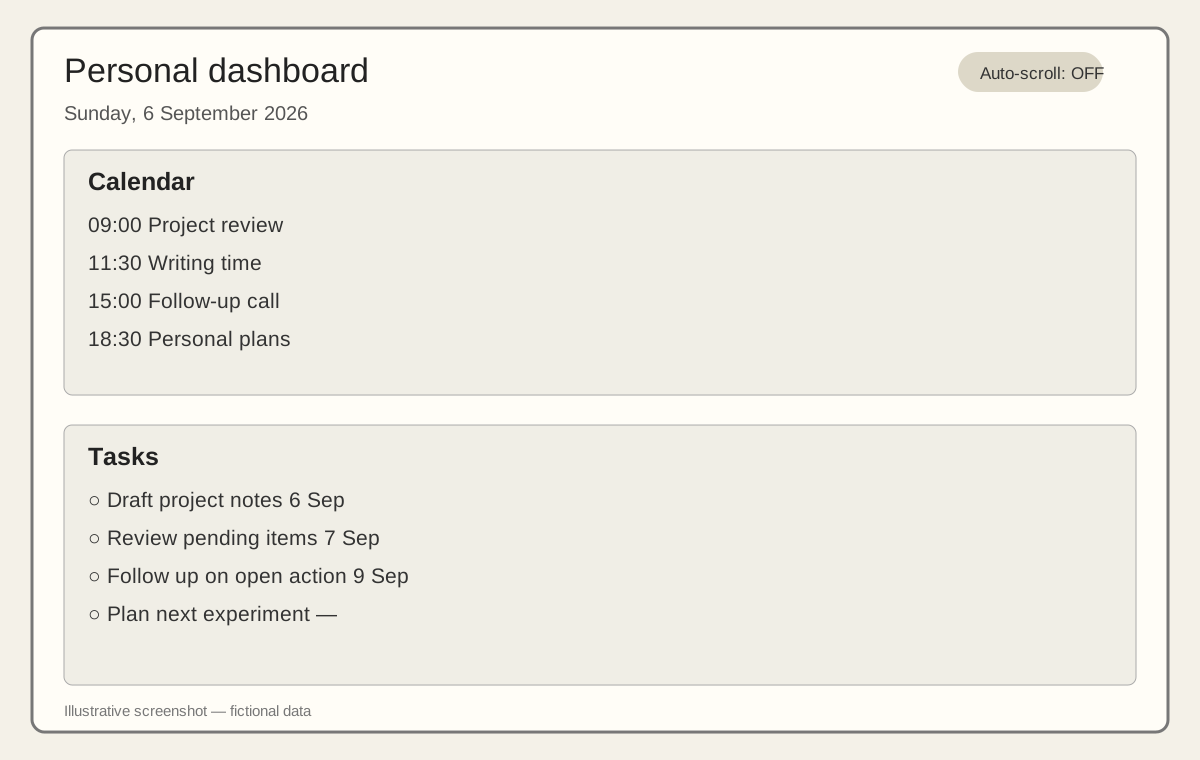
The dashboard displays this information in two Kindle-friendly sections. Calendar events are arranged by time, while tasks retain the order of their Google Tasks lists. Long event and task names wrap within the available screen width.
Auto-scrolling is optional and switched off by default. It can be enabled when there is more information than the screen can display, while manual interaction can pause it.
The project has involved practical challenges including browser compatibility, limited screen space, scrolling behaviour, data refreshes and keeping the interface useful on basic hardware.
With AI assistance, it has become much easier to experiment with ideas like this and build working prototypes quickly. Tasks that would earlier have required considerable research and development effort can now be explored, tested and refined in a much shorter time.
This remains a small experiment, but it demonstrates how inexpensive hardware and simple web services can be combined into a useful personal tool.